Notifications
The dashboard tells you about invitations and important events in your organization through the notification bell in the top bar. Notifications arrive live while the dashboard is open; you don't need to reload the page.
Reading notifications
The bell shows the number of unread notifications. Click it to open Notifications.
- Click a notification to open the page it refers to, for example the device that was registered. The notification is marked as read.
- Click Mark all as read to clear the unread count.
When you have none, the list shows "No notifications yet".
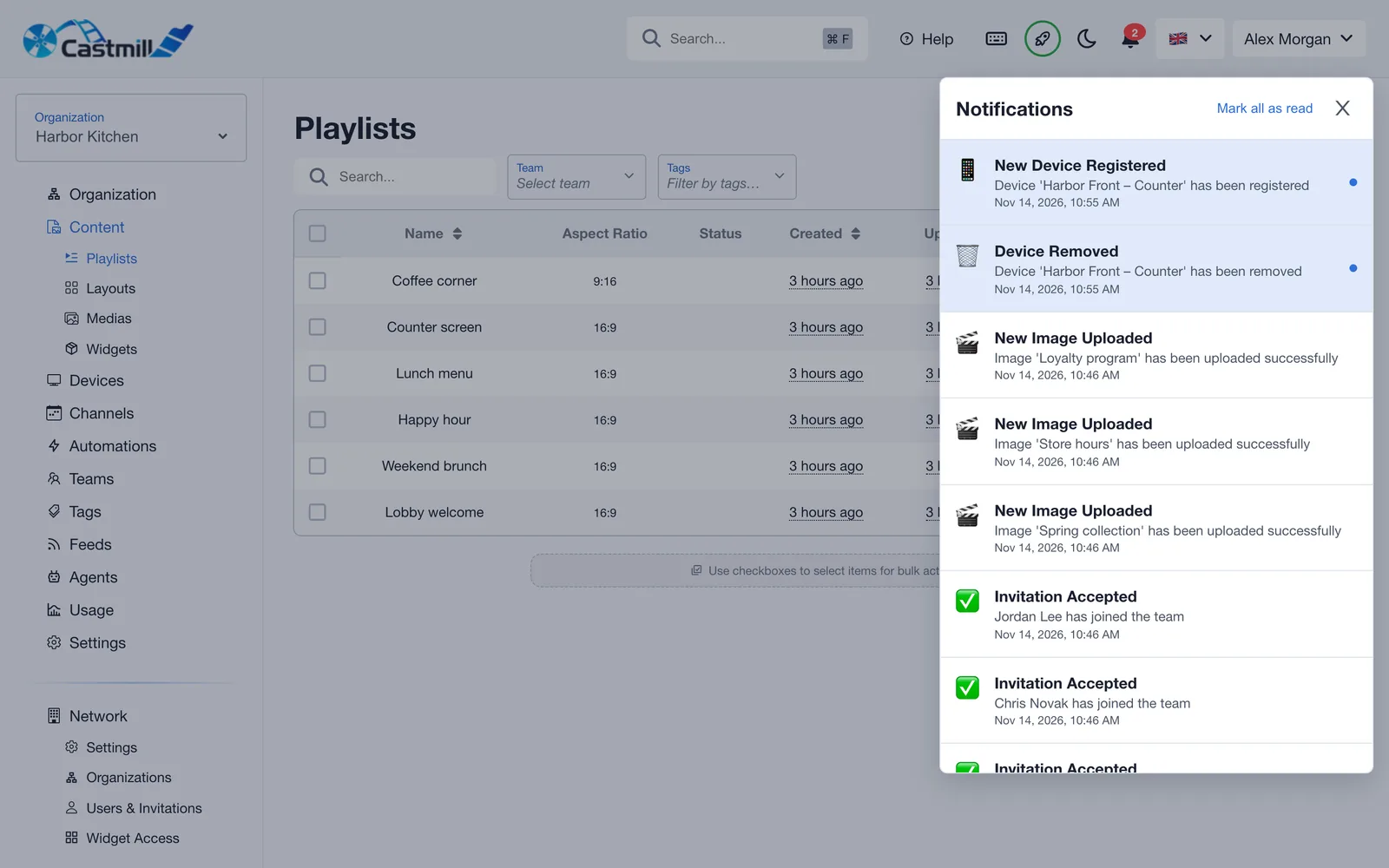
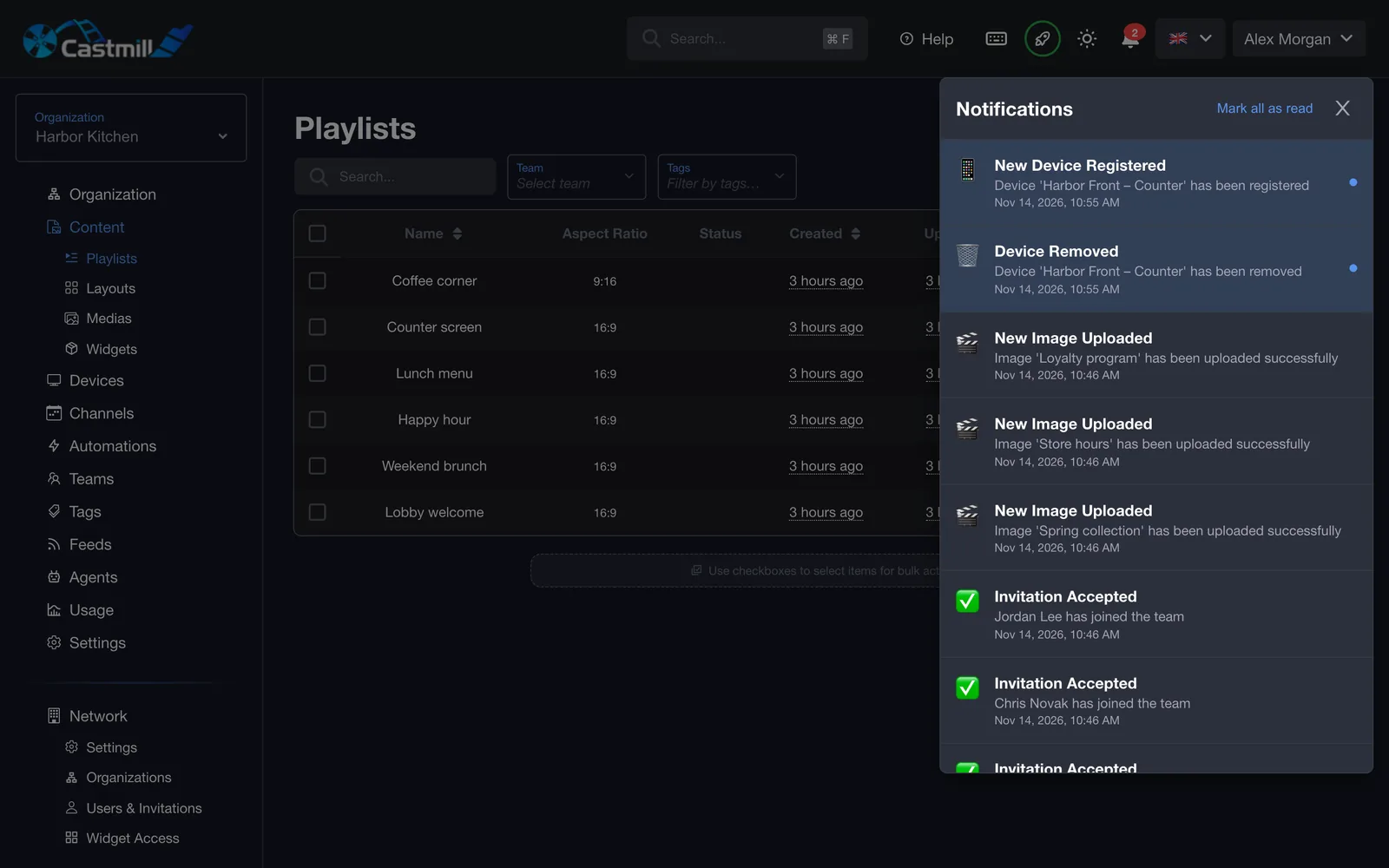
Notification types
| Notification | Sent when | Who receives it |
|---|---|---|
| Organization Invitation | Someone invites you to an organization | You |
| Team Invitation | Someone invites you to a team | You |
| Invitation Accepted | A person joins the organization or a team | The organization or the team |
| New Device Registered | A device is registered | The organization |
| Device Removed | A device is removed | The organization |
| New Image Uploaded, New Video Uploaded | A media file you uploaded has been processed and is ready | You |
| Member Removed | A member is removed from the organization | The organization |
| Removed from Team, Team Member Removed | A member is removed from a team | The removed member, and the team |
Organization notifications can be limited to certain roles.
Network notifications
Network administrators also receive notifications about the network itself, for example when a custom domain has been verified and its HTTPS certificate is active. Each network administrator receives them, also without belonging to an organization. Click one to open the network page it refers to.
The dashboard does not send notifications when a device goes offline or comes back online. Check the Online column on the Devices page and the device's Events. See Devices.
Invitations
An invitation notification links to the invitation page, where you accept it. You can also accept organization and team invitations from the link in the invitation email. See Teams and Users and teams.